

1) Upload statements
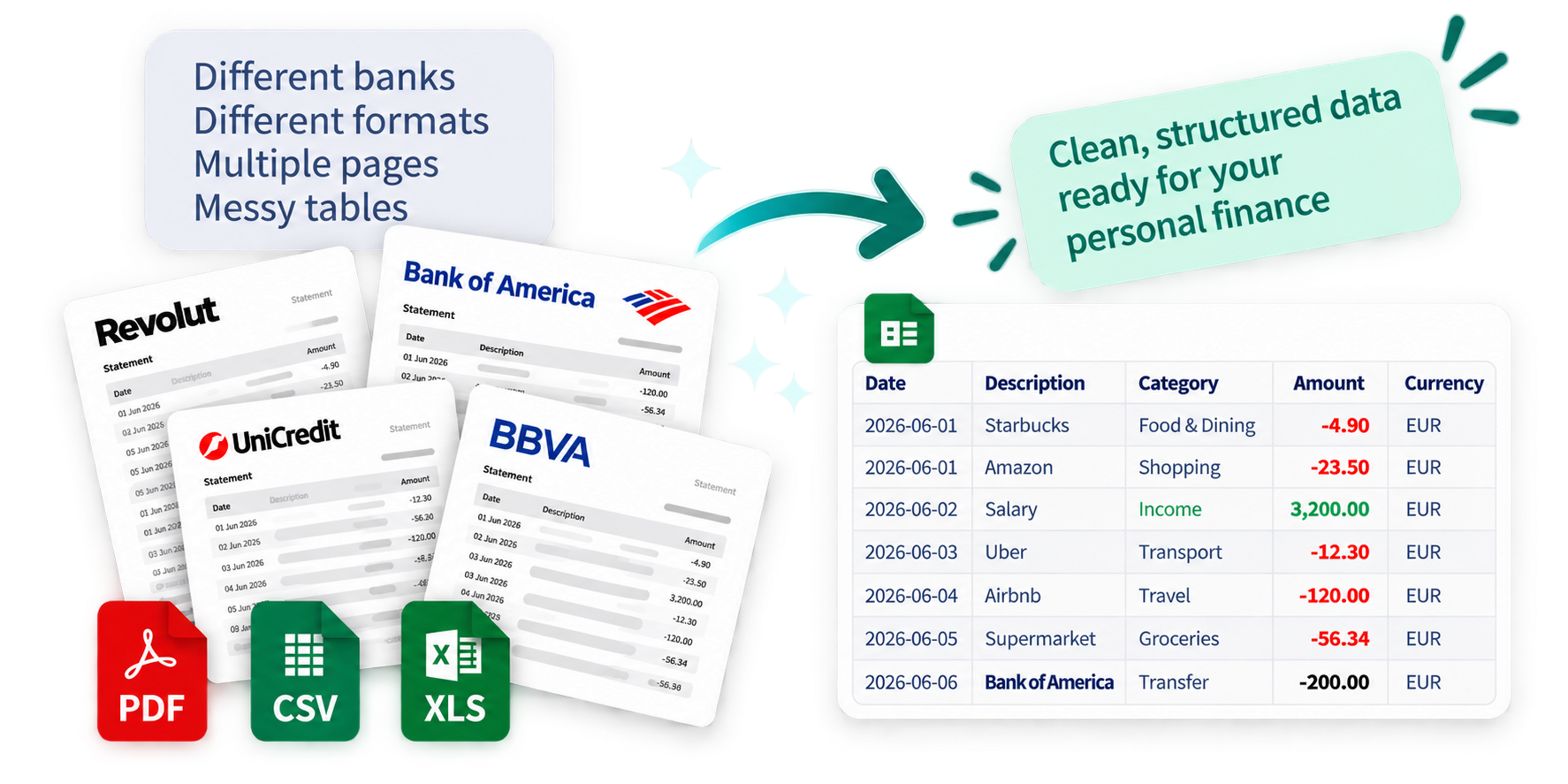
Up to 3 statement files per run, up to 150 transaction rows per file.
Supported formats: CSV (.csv), XLS (.xls), XLSX (.xlsx), TXT (.txt), PDF (.pdf).
Larger statements are not supported and may fail or return incomplete output.
Drag and drop files anywhere in this block, or click here to choose files.
No files uploaded yet.
Session ID is a unique identifier of your conversion run. Keep it for support requests if something goes wrong.
Session ID will appear here after first successful upload.
2) Conversion settings
These settings are applied to all currently uploaded files. Leave everything disabled to just convert files to CSV.
Settings will be applied automatically when you pay and process files.
3) Pay and process
IMPORTANT: If you refresh this page, you will permanently lose the current session. You will lose uploaded files, processed results, Session ID, and payment confirmation status. You will need to start from scratch, and support will not be able to recover this session because the session information will no longer be available.
Processing starts automatically once the payment system confirms your payment.